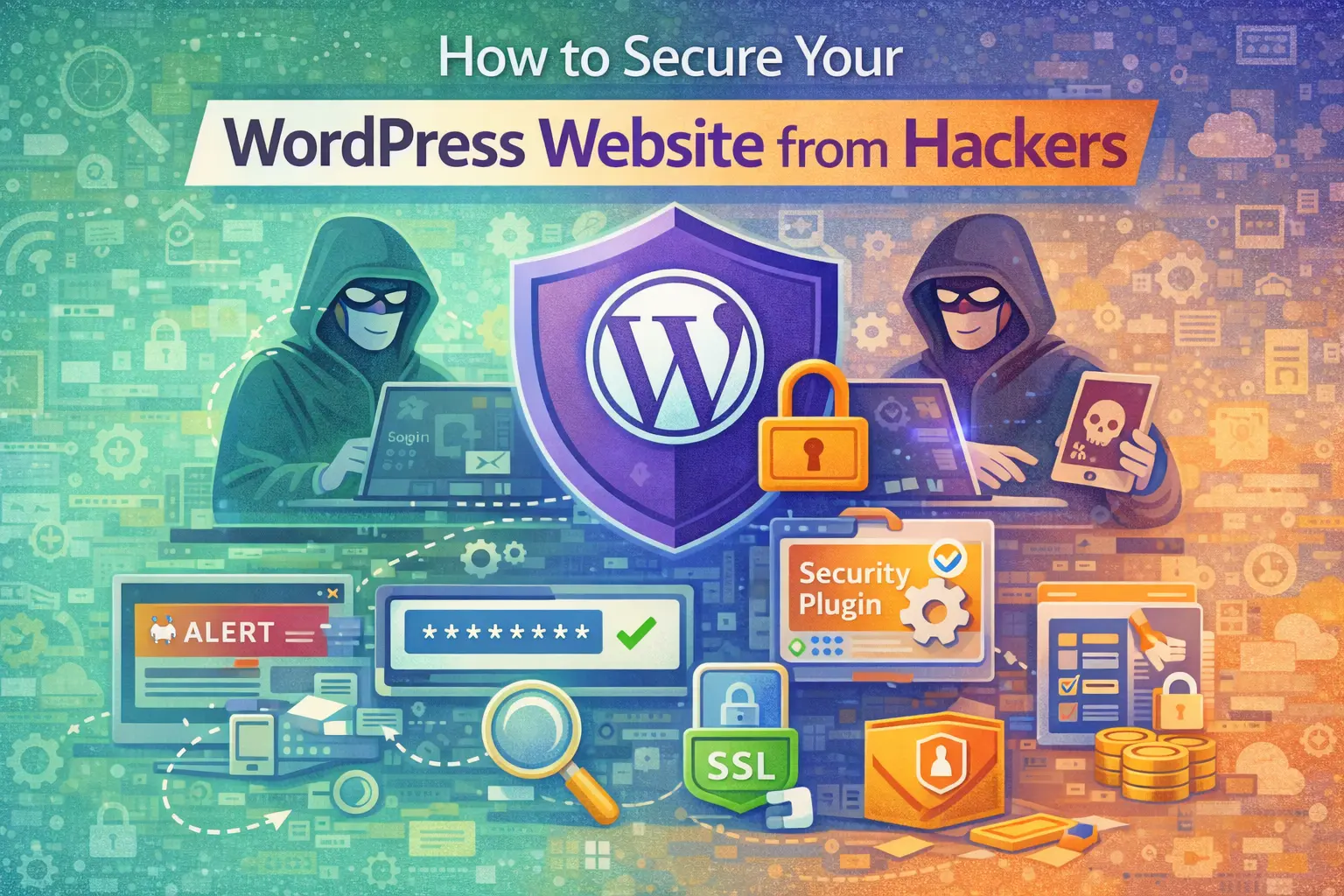
How to Secure Your WordPress Website from Hackers
Introduction
WordPress is the most widely used content management system in the world. Its popularity is one of its greatest strengths, but it is also the reason it is frequently targeted by attackers. It is important to clarify something at the outset: WordPress itself is not inherently insecure. In fact, the WordPress core software is regularly updated and maintained by a global development community. Most security vulnerabilities arise from poor maintenance practices, outdated plugins, weak passwords, and poorly configured hosting environments. Securing a WordPress website is less about fear and more about discipline. Security is a process, not a one-time installation.
Why WordPress Websites Are Targeted
Because WordPress powers more than 40 percent of websites globally (W3Techs, 2024), it becomes an attractive target for automated attacks. Hackers often use bots to scan thousands of websites at once, searching for known vulnerabilities such as outdated plugins or weak login credentials. These attacks are rarely personal. They are opportunistic. If a vulnerability exists, automated scripts attempt to exploit it. If your site is properly maintained, most automated attacks fail without consequence. Understanding this dynamic removes unnecessary panic and shifts the focus to structured prevention.
Keep WordPress Core, Themes, and Plugins Updated
One of the most effective ways to secure a WordPress website is simply to keep everything updated. WordPress releases updates to patch security vulnerabilities and improve performance. Plugin developers do the same. When updates are ignored, known vulnerabilities remain exposed. According to Sucuri’s Website Threat Research Report (2023), outdated plugins remain one of the leading causes of WordPress website compromises. Regular updates close known security gaps. However, updates should ideally be tested in a staging environment before applying them to live websites, especially for business-critical platforms.
Use Strong Authentication Practices
Many WordPress attacks target the login page using brute force methods. This involves automated attempts to guess usernames and passwords.
Weak credentials significantly increase vulnerability.
Strong security practices include:
Using complex passwords that combine letters, numbers, and symbols.
Avoiding the default “admin” username.
Enabling two-factor authentication for administrator accounts.
Two-factor authentication adds a second layer of verification beyond the password, reducing the likelihood of unauthorised access.
Security begins with access control.
Choose Secure Hosting
Website security does not depend solely on WordPress configuration. Hosting quality plays a significant role.
Reputable hosting providers implement:
Server-level firewalls
Malware scanning
Secure file permissions
Regular server updates
Cheap or poorly managed hosting environments may lack robust security controls.
Hosting is part of your security perimeter.
Install a Reputable Security Plugin
While plugins can introduce risk if poorly maintained, a well-supported security plugin can strengthen protection.
Security plugins typically provide:
Firewall protection
Malware scanning
Login attempt monitoring
File change detection
These tools add monitoring and alert capabilities that help detect suspicious activity early.
However, security plugins should complement disciplined maintenance, not replace it.
Limit Plugin Usage
Many WordPress websites accumulate excessive plugins over time. Each additional plugin increases potential vulnerability if not properly maintained. Instead of installing multiple plugins that perform similar functions, businesses should evaluate necessity and remove unused extensions.
Security improves when complexity is reduced.
Minimalism supports stability.
Regular Backups Are Essential
Even well-secured websites may encounter issues. Regular backups ensure recovery is possible.
Backups should be:
Automated
Stored off-server
Tested periodically
If a website is compromised, restoration from a clean backup significantly reduces downtime.
Security planning includes recovery planning.
Use SSL and Encrypted Connections
An SSL certificate ensures that data transmitted between the website and the user’s browser is encrypted.
This protects sensitive information such as login credentials, form submissions, and payment details.
Search engines also prioritise secure HTTPS websites over unsecured HTTP versions.
Encryption is no longer optional for professional websites.
Monitor and Audit Regularly
Security is ongoing. Regular monitoring helps detect issues before they escalate.
Businesses should periodically review:
User accounts and permissions
Installed plugins and themes
Server access logs
Inactive administrator accounts should be removed. Unused plugins should be deleted.
Structured oversight prevents silent vulnerabilities.
Avoid Downloading Themes and Plugins from Unverified Sources
Free themes and plugins from unofficial sources may contain hidden malicious code. Using reputable marketplaces or official WordPress repositories reduces the risk of embedded malware. Short-term savings from unofficial downloads can lead to long-term damage. Digital integrity depends on source credibility.
The Strategic View of WordPress Security
WordPress security should not be reactive. It should be integrated into broader digital governance. As businesses increasingly rely on websites for lead generation, automation, CRM integration, and online transactions, security becomes part of operational resilience. A compromised website does not only affect appearance. It can disrupt workflows, expose customer data, and damage brand trust. Security is infrastructure discipline.
Conclusion
Securing a WordPress website does not require extreme technical expertise. It requires structured management, regular updates, strong authentication practices, secure hosting, and disciplined oversight. WordPress remains a powerful and scalable platform. When managed properly, it can operate securely for businesses of all sizes. Security is not about fear. It is about governance.
References
W3Techs (2024). WordPress Usage Statistics. https://w3techs.com/technologies/details/cm-wordpress
Sucuri (2023). Website Threat Research Report. https://sucuri.net/reports/
Frequently Asked Questions
Tags:

Comments (0)
No comments yet. Be the first to share your thoughts!
Leave a Comment
Subscribe to Our Newsletter
Get the latest insights on digital transformation delivered to your inbox
