Beginner’s Guide to WordPress for Business Owners
Introduction
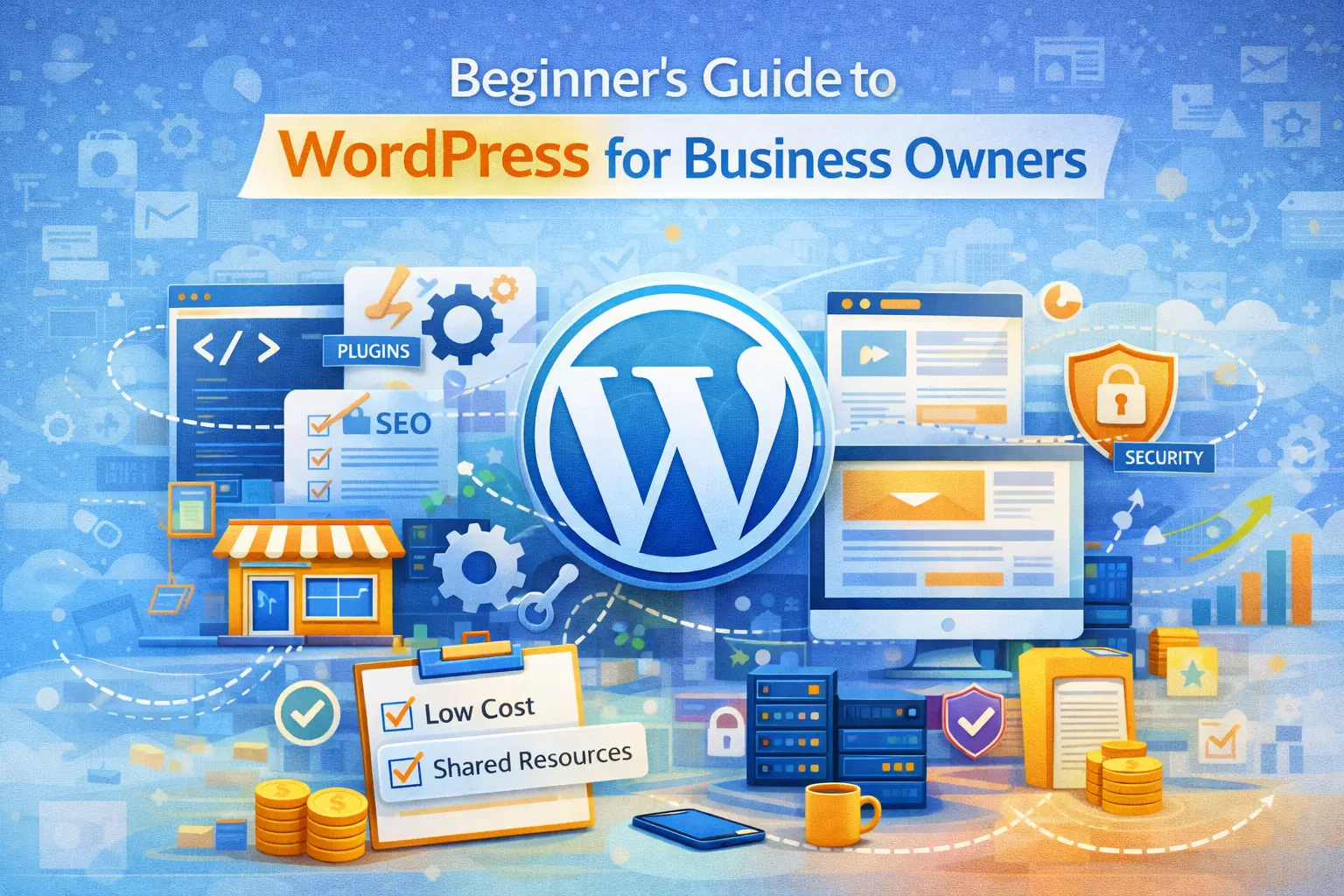
If you are planning to build a business website, you have likely heard of WordPress. It is one of the most widely used website platforms in the world. However, many business owners are unclear about what WordPress actually is and how it works. WordPress is not simply a design tool. It is a content management system (CMS) that allows you to create, manage, and update a website without needing advanced coding knowledge. Understanding how WordPress works helps you make informed decisions about your digital infrastructure.
What Is WordPress?
WordPress is an open-source content management system that allows users to build websites using themes, plugins, and a dashboard interface.
Open-source means the software is publicly available and continuously improved by a global community of developers. According to W3Techs (2024), WordPress powers over 43 percent of all websites on the internet. This makes it the most widely used CMS globally.
It is important to clarify that there are two versions:
WordPress.org — self-hosted and fully customizable
WordPress.com — hosted platform with limitations
For business websites requiring flexibility and scalability, WordPress.org is typically preferred.
What Does a Content Management System Mean?
A content management system allows you to manage website content without writing code manually. Instead of editing HTML files directly, you log into a dashboard and:
-
Add pages
-
Publish blog posts
-
Upload images
-
Edit text
-
Install plugins
-
Change themes
Think of it as a control panel for your website. This accessibility is one of the reasons WordPress became popular among small and medium-sized businesses.
Why Businesses Choose WordPress
One reason WordPress dominates the market is flexibility.
It can support:
-
Informational business websites
-
E-commerce stores
-
Booking systems
-
Membership platforms
-
Corporate websites
-
Educational platforms
Because it supports thousands of plugins, functionality can be expanded without building software from scratch.
This makes it cost-effective compared to fully custom development in early stages.
How WordPress Works with Hosting
WordPress is software that must be installed on a hosting server. It does not replace hosting. Instead, it operates within your hosting environment.
When someone visits your website:
-
The domain directs the visitor to your hosting server.
-
WordPress retrieves the content from the database.
-
The page is generated dynamically and displayed.
This means performance depends on both WordPress configuration and hosting quality.
Themes and Design
A WordPress theme controls the visual appearance of your website.
Themes determine:
-
Layout
-
Typography
-
Colour schemes
-
Page structure
Business owners often assume WordPress automatically looks professional. In reality, design quality depends on theme selection and customization. A poorly configured theme can harm credibility, even if the platform itself is powerful.
Plugins and Functionality
Plugins extend WordPress functionality.
For example, plugins can add:
-
Contact forms
-
SEO tools
-
Security features
-
E-commerce functionality
-
Performance optimisation
However, installing too many plugins or incompatible plugins can create performance and security issues.
According to Sucuri’s Website Threat Research Report (2023), outdated plugins are among the leading causes of WordPress vulnerabilities.
Proper maintenance is essential.
Security Considerations
WordPress itself is secure when properly maintained. However, risks increase when:
-
Themes are outdated
-
Plugins are outdated
-
Weak passwords are used
-
Hosting security is poor
Regular updates and secure hosting environments significantly reduce vulnerability. WordPress popularity also makes it a target. Security should be proactive, not reactive.
SEO and WordPress
WordPress is widely considered SEO-friendly because it allows:
-
Clean URL structures
-
Meta descriptions
-
SEO plugins
-
Structured data integration
However, simply using WordPress does not guarantee high rankings. Content quality, website speed, backlinks, and user experience remain critical ranking factors.
When WordPress May Not Be Ideal
Although WordPress is powerful, it may not be ideal for every scenario.
Highly complex enterprise systems requiring heavy customization or extremely large-scale SaaS applications may require custom software architecture. However, for most small to medium businesses, WordPress offers sufficient flexibility and scalability.
Conclusion
WordPress remains one of the most powerful and accessible website platforms available to businesses. Its flexibility, scalability, and community support make it an attractive option for organisations seeking structured digital presence without excessive development costs. However, successful WordPress implementation requires proper hosting, secure configuration, regular maintenance, and strategic design decisions. WordPress is a tool. Its effectiveness depends on how it is architected and managed.
References
W3Techs (2024). Usage statistics of WordPress.
https://w3techs.com/technologies/details/cm-wordpress
Sucuri (2023). Website Threat Research Report.
https://sucuri.net/reports/
Frequently Asked Questions
Tags:

Comments (0)
No comments yet. Be the first to share your thoughts!
Leave a Comment
Subscribe to Our Newsletter
Get the latest insights on digital transformation delivered to your inbox
